
11 Best Cloud Storage Apps for Your Business [2026]
Need more space for your business files? There is a perfect solution for this and that is a cloud storage app. With a cloud storage app, you can get instant access to all your Word docs and PDFs, and for many users, it's a primary place to store photos in the cloud, with 71% of U.S. consumers doing so.

The market for cloud applications has grown over the years and is projected to grow from $781.27 billion in 2025 to over $2.2 trillion by 2032. This signals the importance of file syncing and storage services, which are becoming a must in today's digital world.
Because where else are you going to store 1 terabyte of files? Your laptop has decent storage (not enough, though) and you certainly can't have private company information on your phone…
Investing in a cloud storage service is the way to go. But there are so many options! How do you make sure to choose the right one for your business needs?
We can help you out. In this guide, we'll talk about the best cloud storage apps currently available on the market. That's not all — we'll provide tips and tricks for finding the right one and discuss its benefits.
What are cloud storage apps?
Cloud storage apps are software applications that store your files and data on remote servers accessible via the internet. These apps allow you to access, sync, and share documents, photos, and other files from any device with an internet connection.
Cloud storage apps work by syncing your files to remote servers, creating automatic backups accessible from any device.
Key benefits include:
Device independence: Access files from any connected device
Automatic backup: Files are safely stored even if your device is lost
Easy collaboration: Share and edit files with team members
Built-in security: Encryption and security features protect your data
Now that you know a little more about what cloud storage apps are, let's see the top contenders for 2026.
What are some of the best cloud storage apps?
According to a study, 98% of corporations store at least some of their data in the cloud, with some estimates suggesting over 60% of all corporate data is now in cloud storage. But which solutions are they using?
Here's a list of the top options:
Dropbox — Best secure cloud storage options for teams of all sizes.
Google Drive — Best free cloud storage solution for all kinds of files.
Microsoft OneDrive — Best cloud file and photo storage for both personal and professional use.
Apple iCloud Drive — Best cloud storage solution for MacOS and iOS users.
pCloud — Best cloud storage app with Swiss data protection.
Sync.com — Best file storage and document collaboration tool for sharing ideas.
Box — Best file sharing and collaboration platform for automating repetitive tasks.
IDrive — Best online cloud backup solution for PCs, Macs, iPhones, and Android mobile devices.
Koofr — Best storage solution for collaborating remotely.
NordLocker — Best file encryption software for keeping your data safe.
Backblaze — Best low-cost cloud backup and storage solution.
Now that you've taken a good look at their titles, let's learn more about each of them by diving deeper into what makes them the best cloud storage apps for you.
1. Dropbox
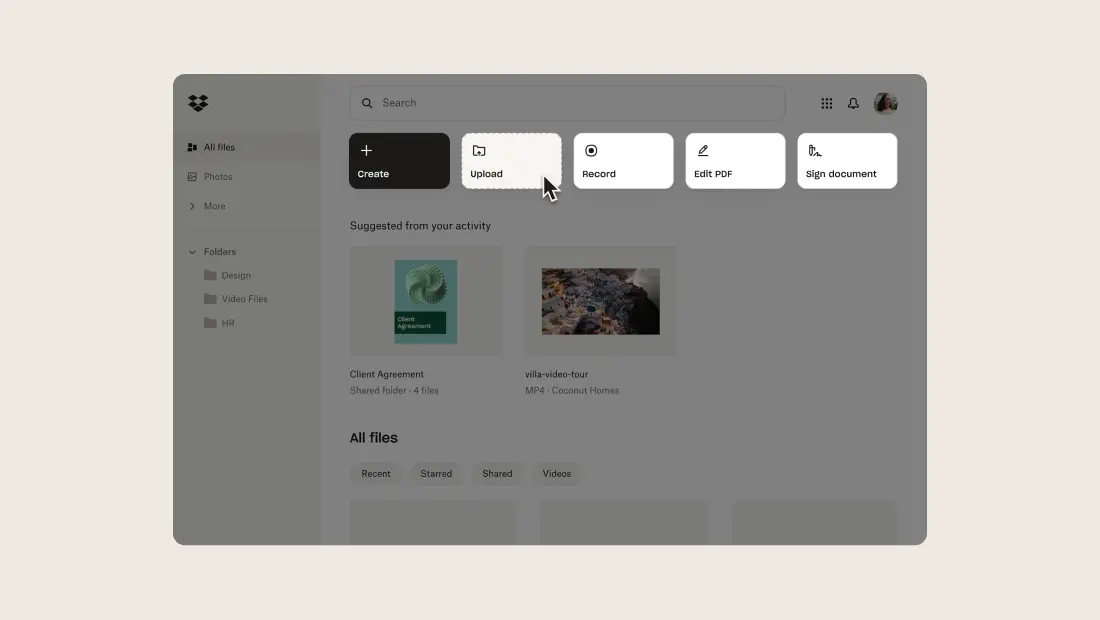
Dropbox is one of the best cloud storage options, allowing you to keep your photos and files in one place and organize them however you want.
Source: G2
Plus, it keeps your important files secure, a critical feature when the average cost of a data breach is $4.35 million, as outlined in the IBM Cost of a Data Breach Report. Aside from getting the storage you need to keep large files, you'll also have security features like file recovery, password protection, viewer history, etc.
It also has trackable links, showing you who opened the shared file and how long they've spent on it. If you want to turn off access for an individual, you can do so easily by changing permissions.
That's not all — you and your team can edit and collaborate on PDFs directly in Dropbox to streamline the feedback and approval process.
"Dropbox has been our solid tool that delivers impressive performance at a very reasonable price. It was soo easy to set it up and kickstart using it."
Top features
Multiple devices: You can use Dropbox wherever you go, whether that's on your iPhone or desktop. By bringing your content together in one place, you can edit cloud content or Microsoft Office files without switching apps.
Integrations: Dropbox makes work easy; that's why it integrates with plenty of your favorite apps you use daily, such as Slack, Zoom, etc.
Notifications: Nothing will escape your notice with Dropbox. You'll get alerts whenever someone modifies something, as well as progress updates and to-dos.
Best for
Dropbox is best for teams of all sizes in industries such as sales, marketing, HR, and IT.
Anything else worth mentioning? Dropbox integrates with Guru!
2. Google Drive
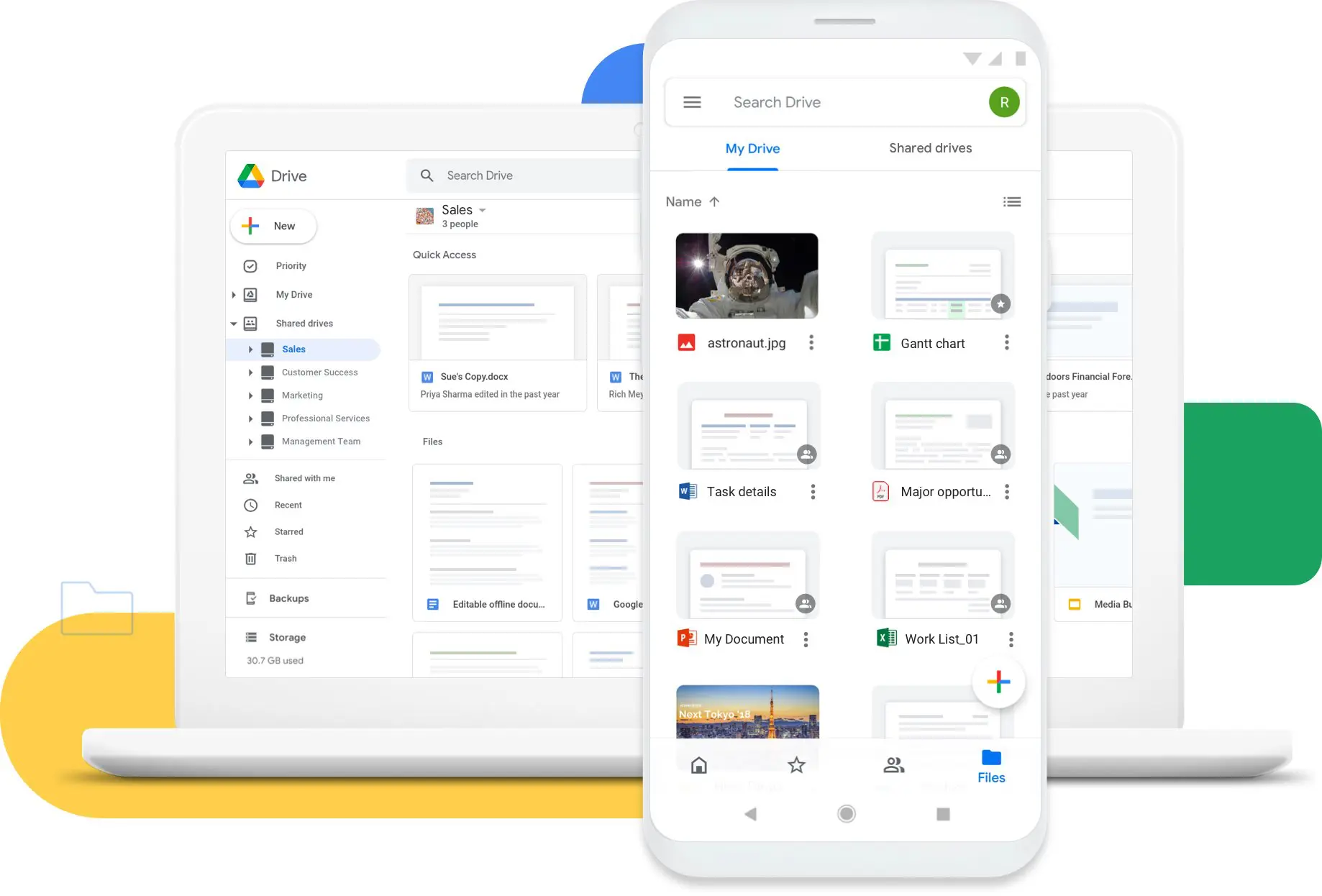
As one of the most popular cloud storage options, Google Drive reached 1 billion active users in 2018, allowing teams to store all kinds of files, such as PDFs, CAD files, and images.
Source: Google
It's a tool where teams can store, share, and collaborate on files in real time wherever they want, whether that's through the mobile app, your Linux or Windows computer, or your tablet. Plus, since Drive is part of the Google Workspace, it integrates with Google Docs, Sheets, Gmail, etc. to help your business boost collaboration effectively.
Google also puts security first when it comes to file and photo storage. With built-in security against malware and spam, Drive minimizes the risk of losing files.
"My overall experience has been what I would like to consider immaculate. So simple and easy to use and it always amazes me how much it is improved upon after all these years. It's free, easy, useful, [and] helpful."
Top features
Sharing permissions: One feature people like is the sharing permissions, which allow you to set granular permissions for shared files, whether that's viewing, editing, or commenting access.
AI search: It's super easy to search for the files you need in Google Drive. It has powerful search capabilities that help your team find the doc they need fast by only targeting relevant results.
Integrations: Drive works from anywhere and integrates with many other tools, including the Microsoft Office 365 apps. As a result, converting Word or Excel files into Drive equivalents is easy.
Speaking of integrations, Google Drive also plays nicely with Guru. Enable AI-powered searches within Drive to access reliable information wherever you are and boost your productivity easily.
Best for
Google Drive is best for anyone. It has business plans, but it's also a great option for personal use.
3. Microsoft OneDrive
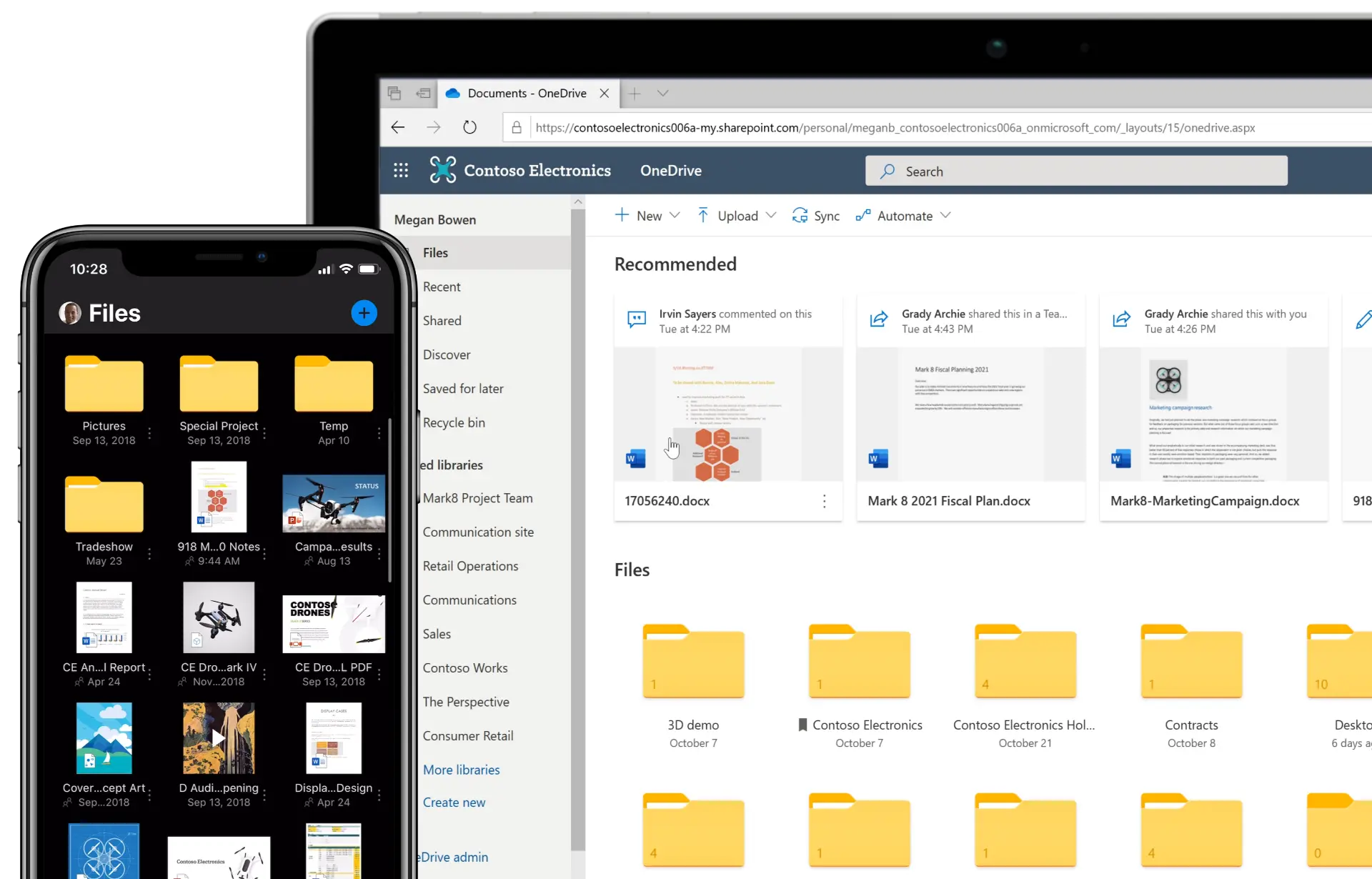
OneDrive is your personal cloud file and photo storage platform where you can keep your business or personal documents protected.
Source: G2
You can access your files from all Windows or Apple devices; be sure that OneDrive will keep your files, photos, and apps safe from harm, as you can easily recover them from unwanted incidents and malicious attacks through effective cloud backup.
In addition, OneDrive fosters collaboration between your departments by allowing you to share files and photos via a link, so you can work together on the same document without losing track of changes.
"Microsoft OneDrive for business offers a vast storage for the whole organization and the data saved can be easily accessed with any device. It also offers advanced security features, which makes it more reliable."
Top features
Mobile app: If your team is always moving, OneDrive's mobile app lets them create, view, edit, and share files on the go.
Anywhere access: You can easily access and explore your work files in Microsoft 365 on any device, both online and offline.
Document scanning: Turn paper documents, receipts, and even your ID card into PDFs through OneDrive's handy scanner.
Best for
OneDrive is useful for both personal and professional use.
Want a surefire way to boost productivity? Try Guru's extension with OneDrive, which offers access to reliable information and contextual suggestions without leaving your workflow.
4. Apple iCloud Drive
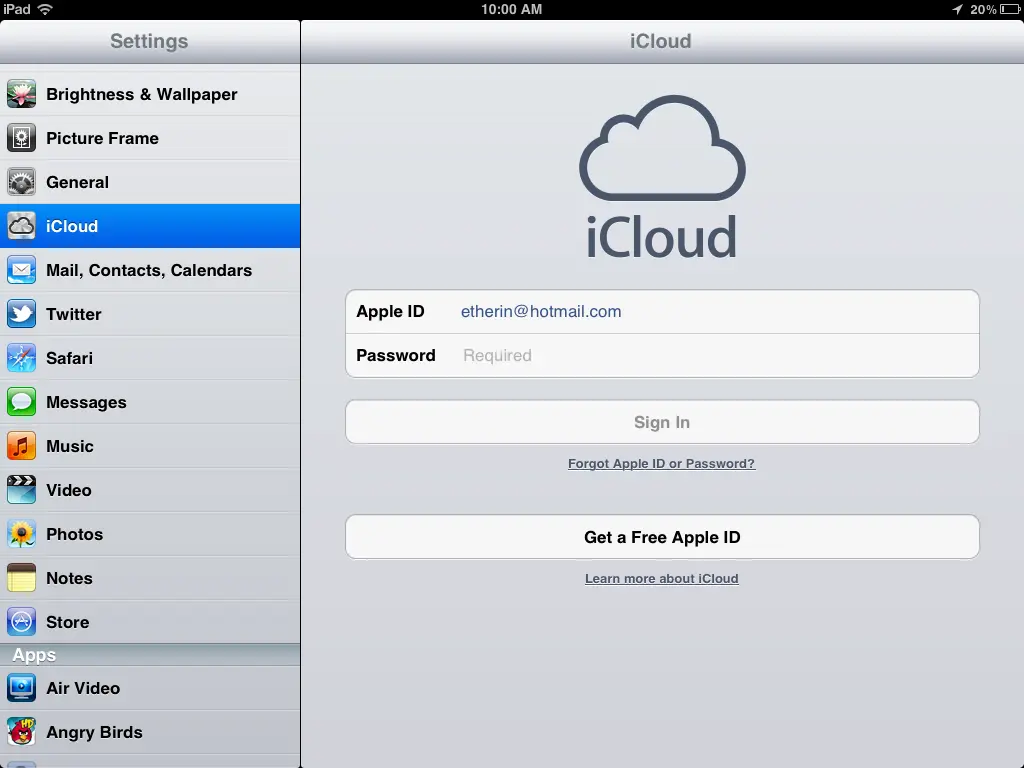
This cloud storage solution is for Mac users, offering a place where they can easily view their files and share them with peers.
Source: G2
With this app, you can access your photos, music, calendars, and more from whatever device you're using. Every new Apple gadget has it, so it's easy to access the app on your Mac, iPhone, or iPad.
Usually, iCloud comes with 5GB of storage for free, but if you're a business in need of more, you'll have to pay a subscription for it (called iCloud+).
"For users within the Apple ecosystem (iPhone, iPad, Mac), iCloud provides unmatched integration. Photos, documents, contacts, and other data automatically sync across devices, making it easy to access information on the go."
Top features
Keychain: This handy feature allows you to sync your passwords between your devices, including Windows computers (but that's only possible with a few extensions).
Security features: iCloud makes sure to keep your files secure with a few security features, such as Private Relay and VPN, which make it harder for advertisers to track you.
Sharing: You can share your iCloud files through the Share button, allowing you to collaborate with another Cloud user easily.
Best for
iCloud is best for businesses using Apple devices.
Want to make it easier to access your files and knowledge base? Then integrate Guru with iCloud and enable a new level of productivity.
5. pCloud
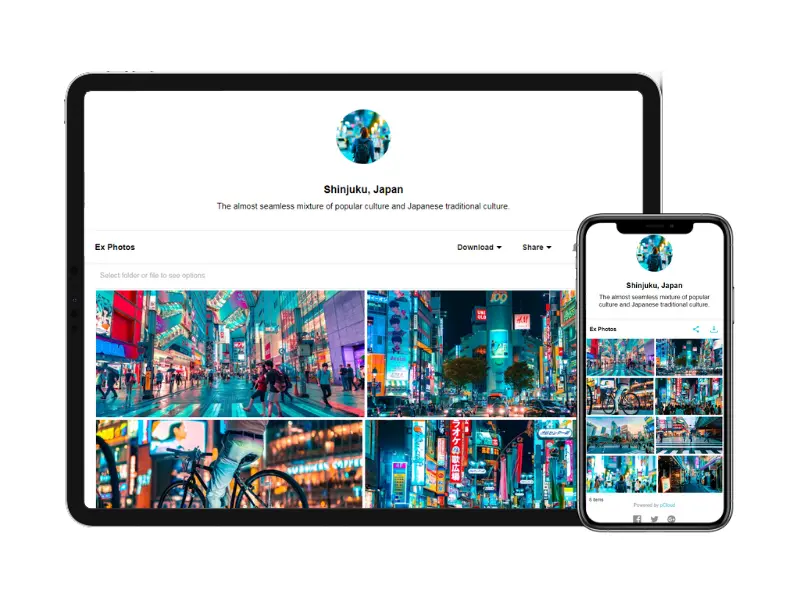
pCloud is a cloud storage app coming from Switzerland that keeps all your digital content safe in a centralized place, no matter the device you're using.
Source: G2
This user-friendly cloud storage app makes it easy to share files with your team members or clients regardless of their geographical location. Plus, you have control over who accesses and edits the files, so your sensitive info stays private.
With a single click, you can free your space, save files, and sync them across all devices. Moreover, navigating the app is straightforward, as you can clearly see what each button does.
"pCloud is a great way to share files with anyone — even transferring your own files from one device to another. [...] There's a web version plus a mobile app, so you can access files no matter which device you're on."
Top features
Swiss data protection: Your files and personal data are protected by Swiss laws, some of the strictest in Europe.
File sharing: You can easily share large files or allow coworkers to add or see a specific file, even if they don't have a pCloud account.
Accessibility: You can use this platform on multiple devices, such as iOS or Android tools, Mac, Windows, and Linux. And even access these files offline.
Best for
pCloud is suitable for both personal use and businesses that want to experience a whole new level of security.
To make it even simpler to reach the files you need, integrate pCloud with Guru.
6. Sync.com
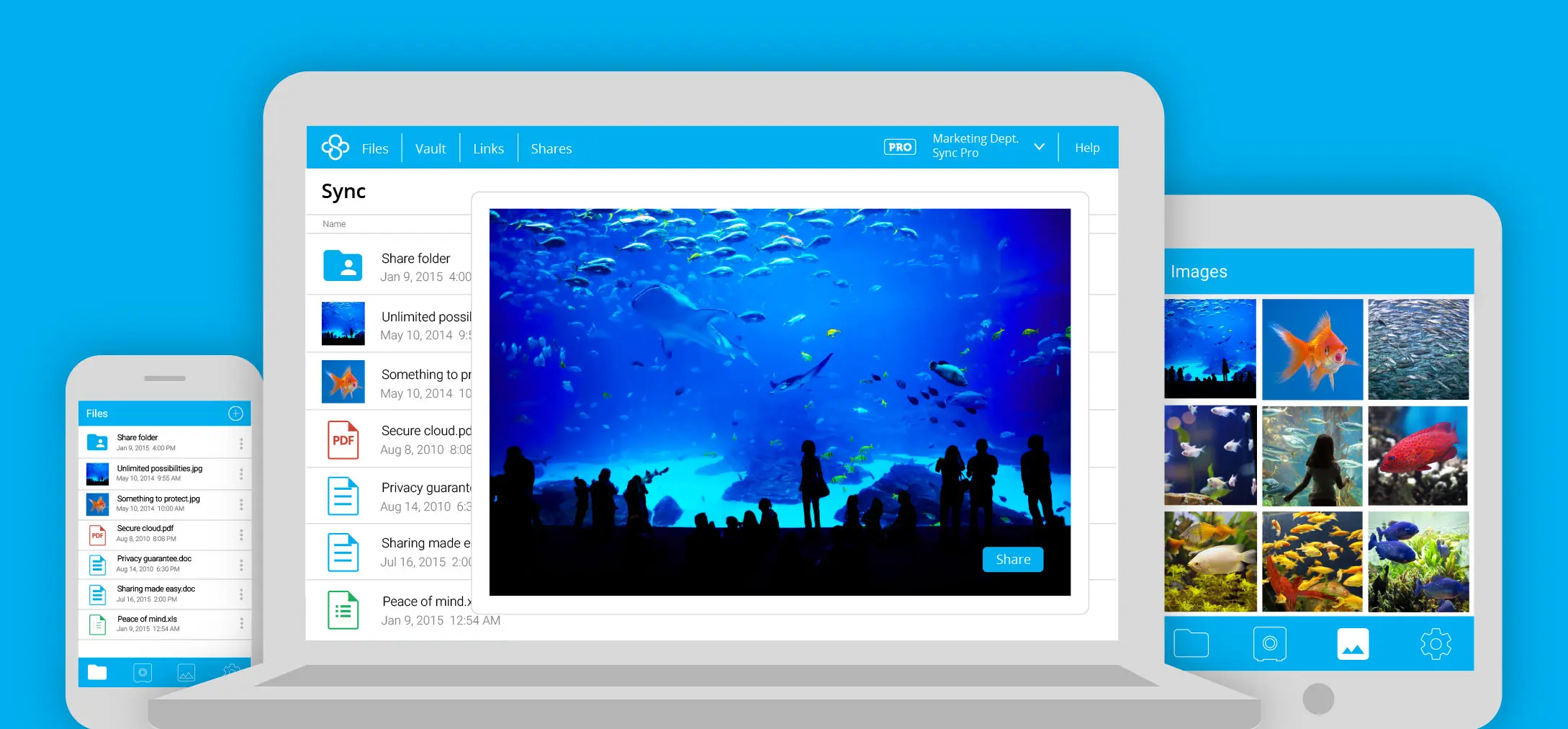
Offering a safe space for people to collaborate, Sync.com is a safe file storage and document collaboration tool where teams can share ideas and work on vital projects.
Source: G2
It's a tool that keeps your internal teams, customers, external partners, and docs connected, enabling them to be on the same page at all times. That's not all — Sync lets you and them access your files regardless of your location, from all mobile devices and computers.
You can share your files with other people through a file portal that you can customize with your brand colors and logo. Aside from setting your business apart from your rivals, you also build client trust.
"So many features which will flatter you. It's designed to keep data safe from hackers. It encrypts your files with a cipher which no one can unlock."
Top features
Access control: Sync gives you the reins when it comes to who can see, edit, or access your files through passwords, email notifications, and permissions.
Cloud backup: Sync helps keep your files safe from ransomware, hardware failure, and human mistakes, which is crucial given that 82% of cloud misconfigurations stem from human error.
Management tools: Become the manager of your entire team with Sync, as it allows you to delegate controls, reset passwords, and more easily.
Best for
Sync.com is for secure file sharing and team collaboration for businesses in industries like education, financial services, healthcare, etc.
Integrate Sync with Guru to enable better efficiency and collaboration in your business. This combo allows you to perform AI-powered searches that give you instant answers at your fingertips.
7. Box
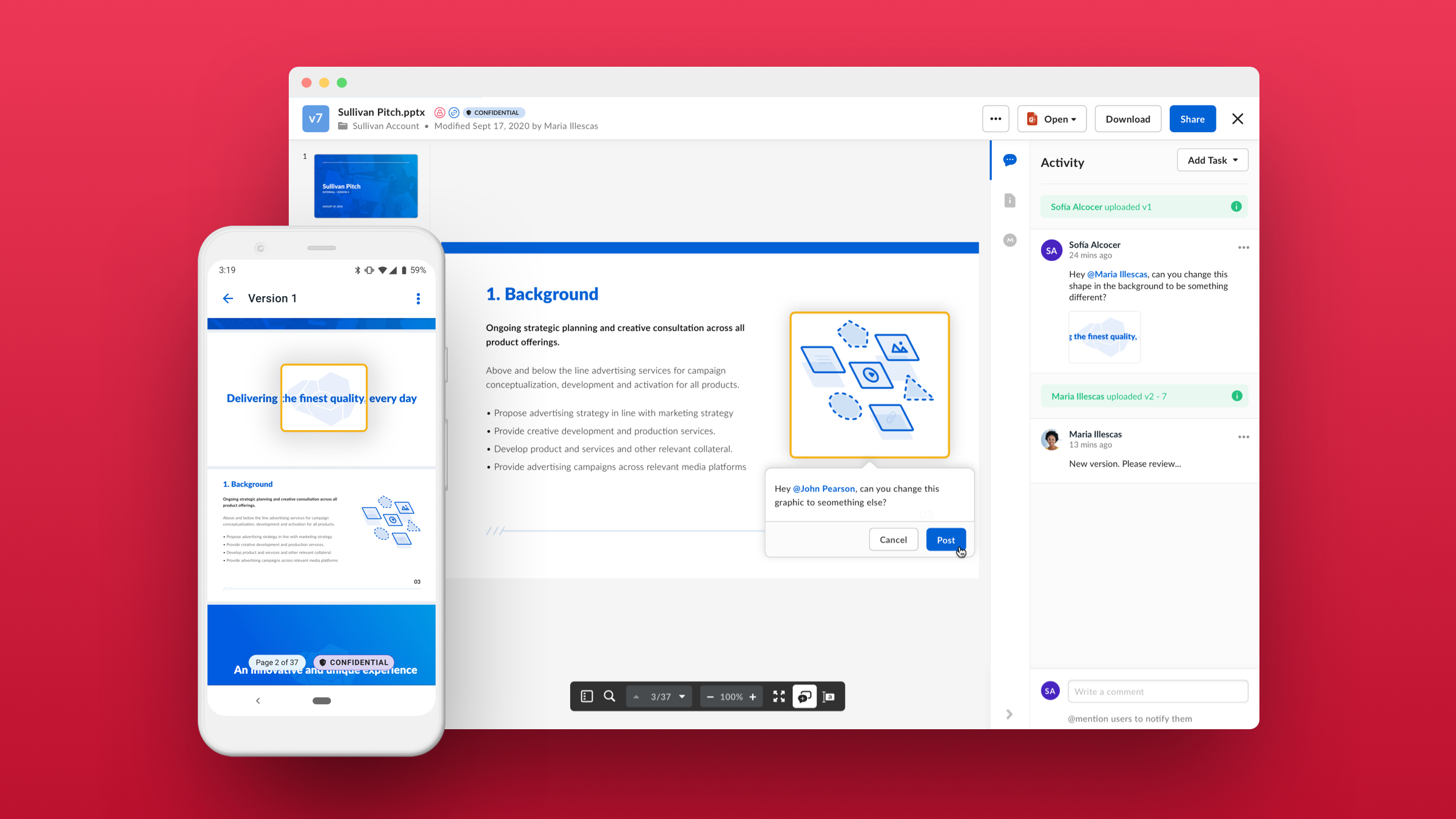
This secure file-sharing and collaboration tool is a box full of surprises, letting teams simplify the way they work by automating repetitive tasks and enabling them to move faster.
Source: G2
Box is a tool that enables secure collaboration with your peers, clients, and partners by giving you one place where all can work together, no matter the device they use.
Besides, you can rest assured that Box keeps your sensitive information safe and secure with advanced security controls, a vital feature when 82% of all data breaches in 2023 involved cloud-stored information.
"It does not steal my data, does not sell my info to third parties, and provides me with secure servers to back up my critical (and useless) data. Plenty of space on the free plan to make sure your documents and pictures folders are fully backed up."
Top features
E-signatures: Box provides electronic signatures that allow you to sign vendor agreements or sales contracts faster and cost-effectively.
Artificial intelligence: Box now has AI-powered content management that allows your teams to get answers from docs and create content in seconds, successfully boosting productivity.
Admin controls: Manage your files better with Box. You'll get intelligent monitoring and reporting tools that give you full visibility into your content, enabling better decision-making.
Best for
Box is suitable for businesses in the following industries: government, retail, life sciences, construction, media, education, etc.
Seamlessly search through Box's content by integrating the tool with Guru. As a result, you can access the content from anywhere, eliminating silos and redundant queries.
8. IDrive
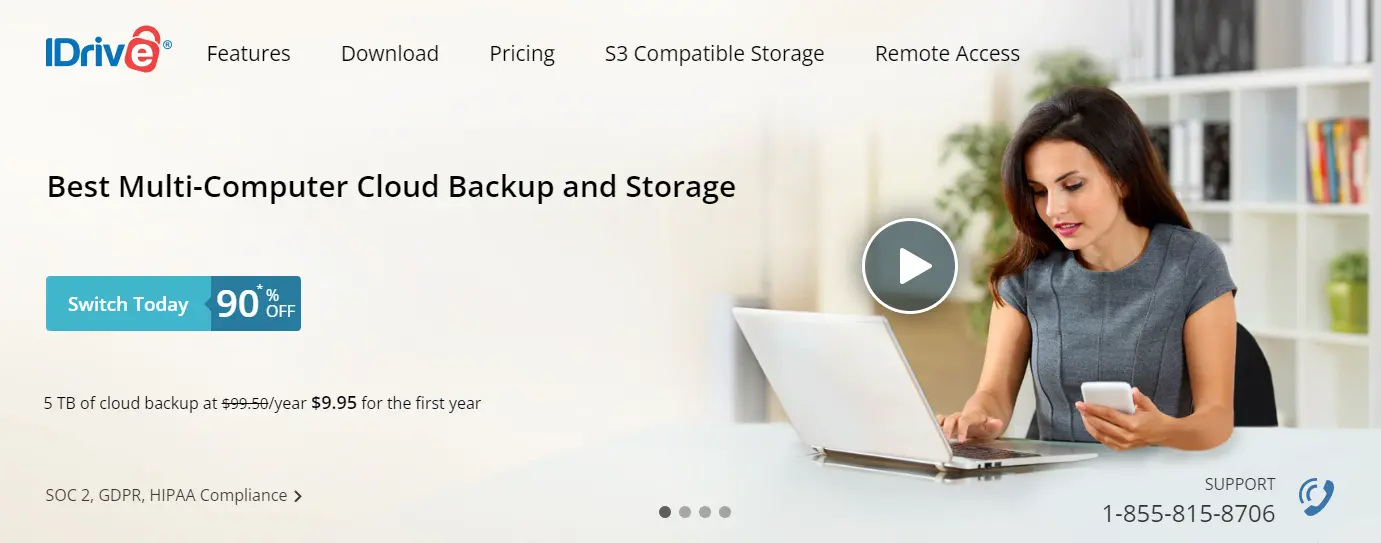
IDrive is an online cloud backup solution for multiple devices, including PCs, Macs, iPhones, and Android mobile devices.
Source: IDrive
How does this tool work? It performs regular online backups to help protect your data, including Microsoft Office 365 and Google Workspace backup. As a result, your files are safely stored away. Besides, IDrive has continuous data protection, able to automatically recognize if someone modified a file.
IDrive syncs your files and folders in real-time across all the devices you use, so they're always available right when you need them most.
"The product has an easy-to-use interface and standard backups are really easy to set up and schedule. Just select the drives and folders to back up and either schedule or back up immediately."
Top features
True archiving: If you accidentally delete a file you need later, don't worry. IDrive doesn't remove these files unless you manually delete them or run an archive cleanup.
Alerts and reports: Keep up with the changes made to your files via activity reports, backup status reports, and share reports.
Versioning: Get a historical snapshot of your data for point-in-time recovery that helps protect your data from ransomware.
Best for
IDrive is suited for small businesses and enterprises.
What do you get out of integrating Guru with IDrive? Better productivity and efficiency.
9. Koofr
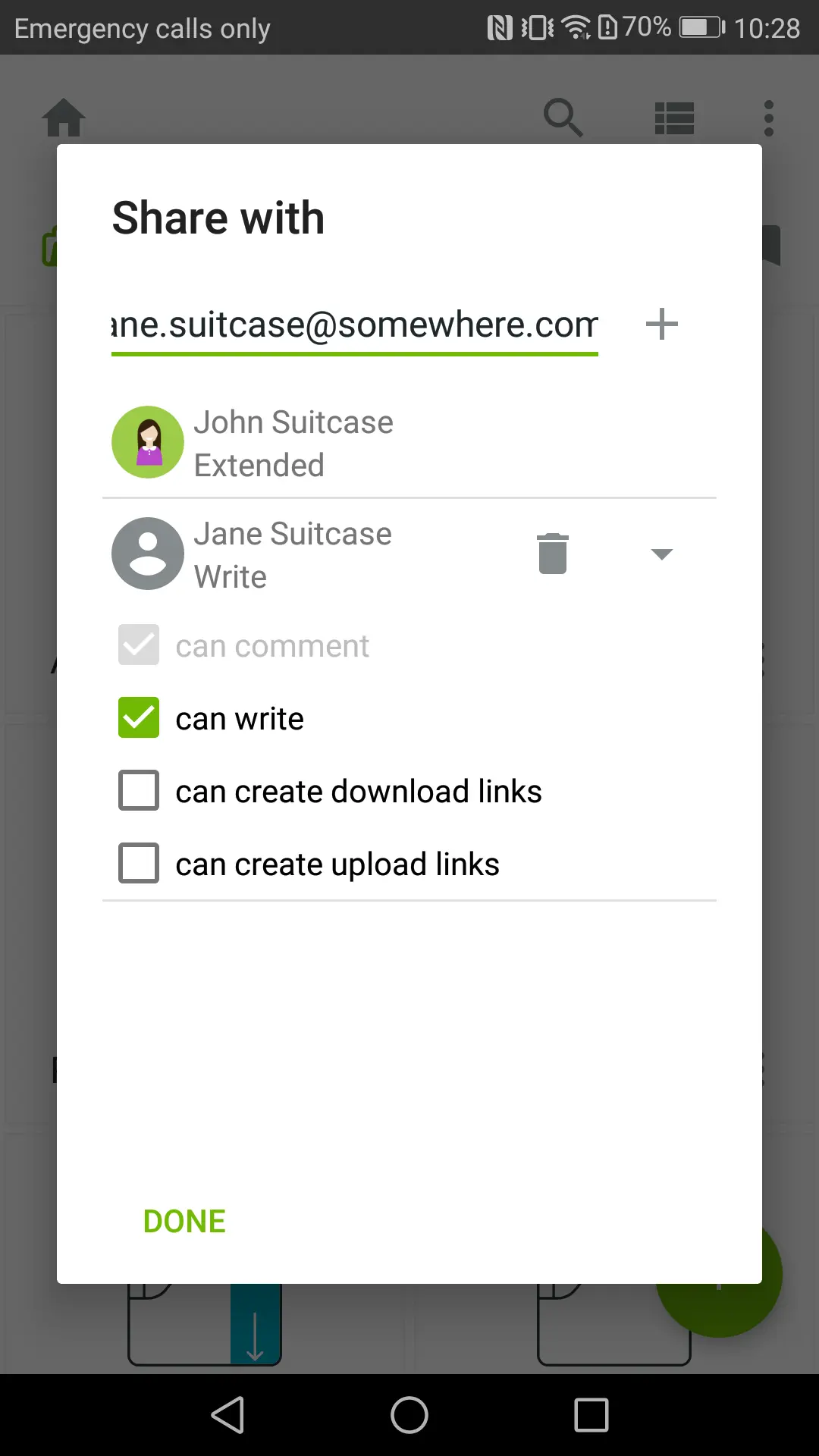
Koofr provides one storage solution for all your photos, documents, invoices, and spreadsheets. It's a secure platform where people can work and collaborate remotely, with the options of creating, viewing, or editing files online.
Source: G2
You can access Koofr via web, desktop, mobile, Rclone, and WebDAV protocol. Moreover, there's no file size or type limit, meaning that you can add as many files as you want.
Koofr keeps your documents safe through time-based one-time passwords, two-factor authentication, and TLS/SSL encryption. You can even add pins and biometrics to take security a step further.
"Koofr is a cloud-based content-sharing platform that provides access, manages files, and shared documents & objects among our associates in our organization."
Top features
Image editor: Koofr has a built-in image editor you can use to resize, crop, and apply effects to your favorite images.
File sharing: It's super easy to share files with anyone (and even receive them). They don't need to have a Koofr account to do so.
File recovery: Deleted something important? Koofr keeps all your deleted files for 30 days so you can easily recover them if needed.
Best for
Koofr is good for personal use, as well as businesses of all sizes.
Koofr integrates with Guru, which is highly helpful when you want to get suggestions or find the right file ASAP, without switching apps.
10. NordLocker
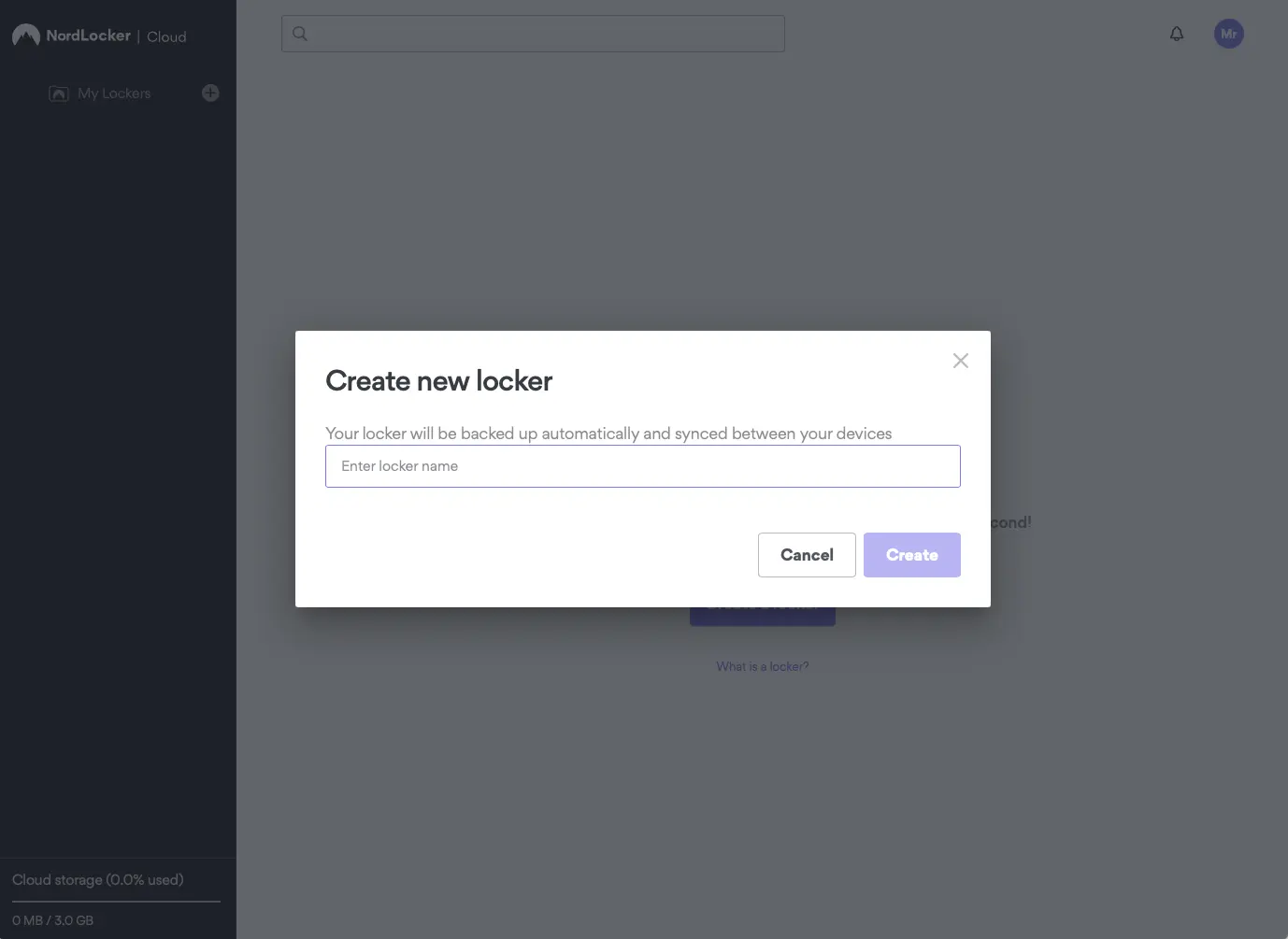
NordLocker is a file-encryption software tool that keeps your files secure. It acts like a file vault where you can store, share, and manage your business data, and which you can access anytime, anywhere.
Source: G2
Made by cybersecurity experts, you know that your files won't end up in the wrong hands, especially since you have permissions that allow you to choose who has access to your precious files.
Besides, NordLocker has end-to-end encryption that keeps your files safe in the cloud, helping you create a highly secure work environment. You can also sync files across multiple devices (Windows, MacOS, Android, iOS).
"The software has a very nice user interface that enables the users to use the platform without any [difficulties] or customer support, as it is easy to use and understand as it is a self-explanatory tool that does not require much experience or training."
Top features
Secure sharing: You can share your encrypted files via a link with a unique code, which adds the extra layer of security you need to give you peace of mind.
Multi-factor authentication: NordLocker offers multiple authentication methods, such as single-use backup codes, third-party security keys, and authenticator apps.
Cloud backup: NordLocker backs up your data regularly so, even if something happens to your data (it's stolen or damaged), you can recover your files easily.
Best for
NordLocker is an encrypted cloud storage platform for personal use, but also for keeping company data safe.
Want to get the best of both worlds? Integrate Guru with NordLocker and keep your files safe while also managing them easily, without any hassle.
11. Backblaze
Last but not least, Backblaze is a low-cost cloud backup and storage solution that safeguards your data and streamlines your processes.
Source: Backblaze
With this cost-effective solution, you can unburden your teams from having to manage files or worrying about security. Backblaze has system backup and recovery, which protect your data from natural disasters or unwanted incidents.
As a result, you can secure your environment without breaking the bank and free your team's time since they stop spending too much time on managing the data storage.
"Backblaze B2 Cloud Storage is easy, runs in the background AND gives regular monthly reports which my previous cloud storage vendor did not. The fee also feels very reasonable, with a lot of space provided for that fee."
Top features
Media archive: Backblaze seamlessly integrates with your favorite media tools, allowing you to produce and share content easily.
Application storage: With this tool, you can build applications and run services globally with S3-compatible SDKs, API, and CLI.
Computer backup: Backblaze offers unlimited data backups for Mac or PC, which helps prevent disasters.
Best for
Backblaze is for plenty of use cases, including server and systems backup for businesses in industries like education, government, gaming, creative, etc.
Manage your files more easily by integrating Guru with Backblaze. Read more about how the two work together to innovate your processes here.
Security and compliance considerations for business cloud storage
Enterprise cloud storage requires advanced security beyond basic encryption, especially since over 39% of businesses encountered a data breach in their cloud environment in a recent year.
Critical security features for business:
Policy-enforced access: Permission-aware controls for users and AI systems
Audit trails: Complete visibility into file access and changes
Data governance: Compliance controls with clear citations and lineage
Role-based permissions: Granular access controls by user type and department
For a vendor-neutral benchmark of what “enterprise-grade” controls should include, organizations can reference NIST SP 800-53 security and privacy controls when defining access, auditing, and governance requirements for cloud storage.
In 2026, it’s also worth pressure-testing how these controls extend to AI use cases—like employees asking workplace AI tools questions that pull from cloud-stored documents. IT teams can follow CISA guidance for securing cloud business applications for practical hardening steps and baseline configuration recommendations.
What are the benefits of using cloud storage solutions?
Cloud storage offers significant advantages over traditional local storage.
Primary benefits:
Enhanced accessibility: Simple drag-and-drop interfaces make file management effortless
Improved security: Data stored across multiple servers with automatic backups
Seamless sharing: Generate shareable links instead of email attachments
Cost efficiency: No hardware maintenance costs, scalable pricing
Automatic updates: Providers handle maintenance and security updates
How to choose the best cloud storage app for your business needs
Choose the right cloud storage by evaluating these key factors:
Storage space: Match capacity to current needs plus growth potential
Security and reliability: Look for end-to-end encryption, 2FA (see NIST Digital Identity Guidelines (SP 800-63) for authentication best practices), and compliance certifications (SOC 2, which is a helpful example of what SOC 2 compliance means for cloud services, HIPAA). Only 32% of companies take responsibility for protecting their data, so choose a trusted cloud service provider.
Features: Prioritize must-haves like file versioning, offline access, and collaboration tools
Pricing: Calculate total cost including users, storage tiers, and advanced features
Integration: Ensure compatibility with your existing business tools and workflows
Prioritize must-have features over nice-to-have options to avoid overspending.
Building your AI Source of Truth with cloud storage
Choosing the right cloud storage app is a great first step, but it's only part of the solution. Your files, documents, and data are only valuable if your team can find, trust, and use them.
Guru is the AI Source of Truth for the enterprise. We connect to your cloud storage and other company apps, then deliver trusted, permission-aware answers through AI chat, search, and explainable Research—right where people work in Slack, Teams, or their browser.
Instead of just storing files, your team can ask questions and get instant, cited answers from the content within them. When information needs updating, experts can correct it once in Guru, and the right answer propagates everywhere with citations, lineage, and auditability.
This transforms your cloud storage from a simple repository into a dynamic, intelligent layer of truth that powers your people—and other AI tools via MCP/API. See how Guru delivers trusted answers across your tools and builds trust into every answer.
Key takeaways 🔑🥡🍕
What is the best free cloud storage app for business?
How do I access my cloud storage from different devices?
Which cloud storage platform offers the best security?
Which is the best free cloud storage?
Google Drive and Dropbox are among the top choices for free cloud storage, offering 15GB and 2GB of free space respectively, along with seamless integration with various applications.
How do I get 100GB of free cloud storage?
Some providers offer temporary promotions or partnerships that include 100GB of free storage, such as Google Drive for certain Chromebook purchases or special offers from mobile carriers. Keep an eye on these deals or trials to take advantage of them.


